标签
nextjs
sentry
字数
230 字
阅读时间
1 分钟
使用 next/with-sentry 初始化
npx create-next-app@13.5.6 --example with-sentry nextjs-sentry-example安装 sentry
npx @sentry/wizard -i nextjs根据提示操作,一般选择默认选项。 wiz 会自动创建相关的配置文件。
创建的文件
- sentry. client. config. ts
- sentry. server. config. ts
- sentry. edge. config. ts
- instrumentation. ts
- pages/sentry-example-page. jsx
- pages/api/sentry-example-api. js
自动创建 .env.sentry-build-plugin 文件配置 AUTH_TOKEN
重写 next.config.js 添加默认配置
上传 sourceMap
在根目录创建 .sentryclirc 文件,配置上传的相关配置

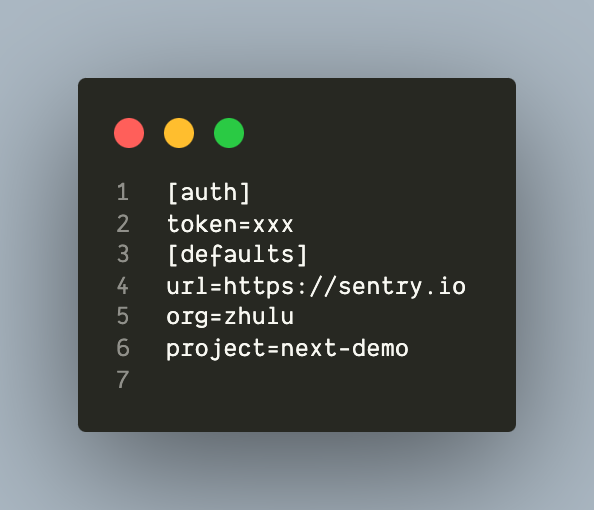 配置好后,执行
 yarn build 时会自动将 sourceMap 上传至 sentry 服务。在查看 issue 时就可以定位到异常源码。 
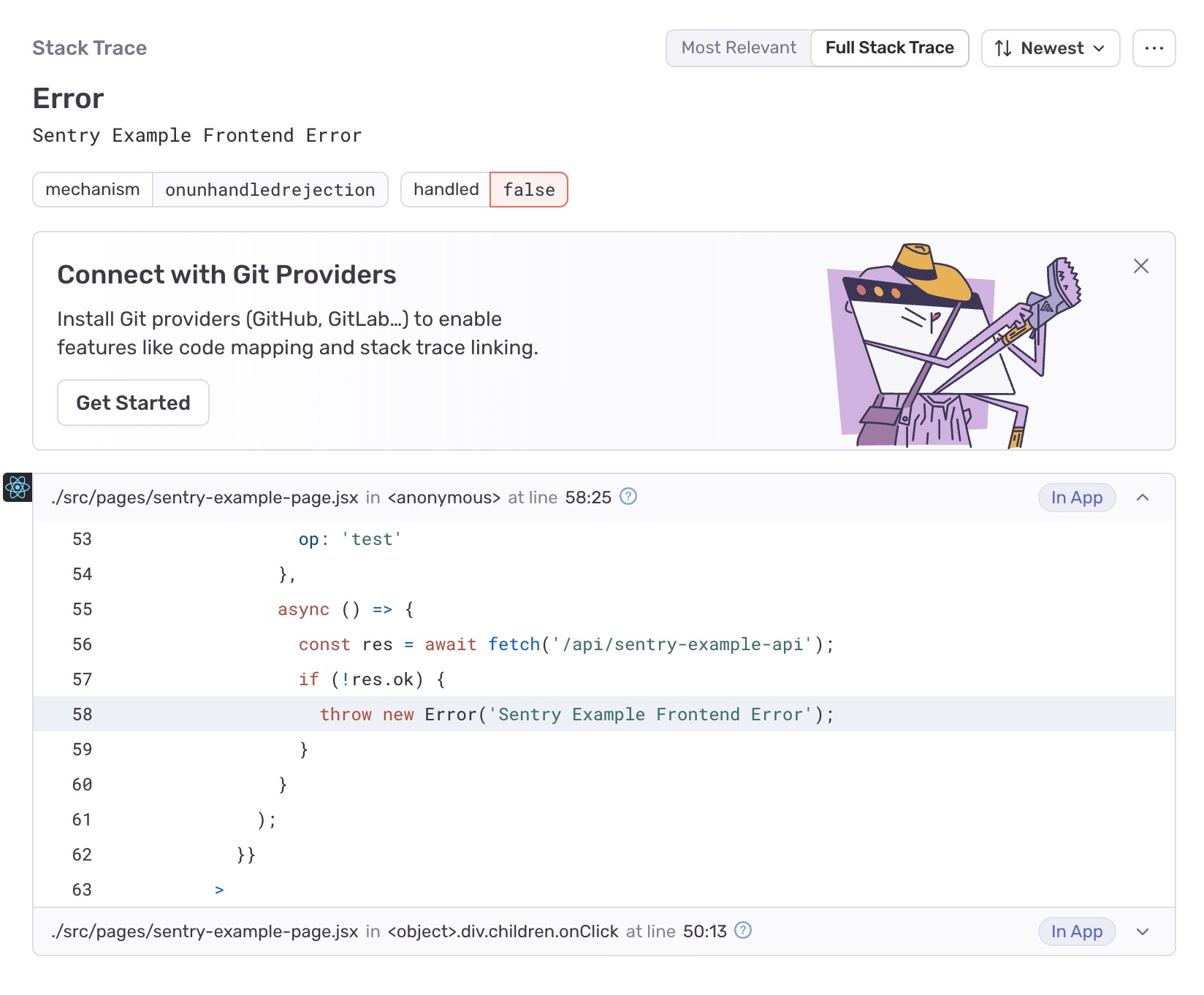
[!notice]
- 如果使用最新的@sentry/next 及相关配置,请使用最新的 sentry 服务。否则会导致上传的 sourceMap 对应不上。
.sentryclirc的文件配置要正确,不正确的话会导致上传 sourceMap 时报 401